
Planning a Mobile App? What to Prepare Before You Hire a Developer
You have an idea for a mobile app — great! Before you contact a developer, a little preparation can save you a lot of time and money. The clearer your idea is, the more accurate your quote will be, and the closer the final app will be to what you imagined. Here is a practical checklist of what to prepare before you hire a mobile app developer.
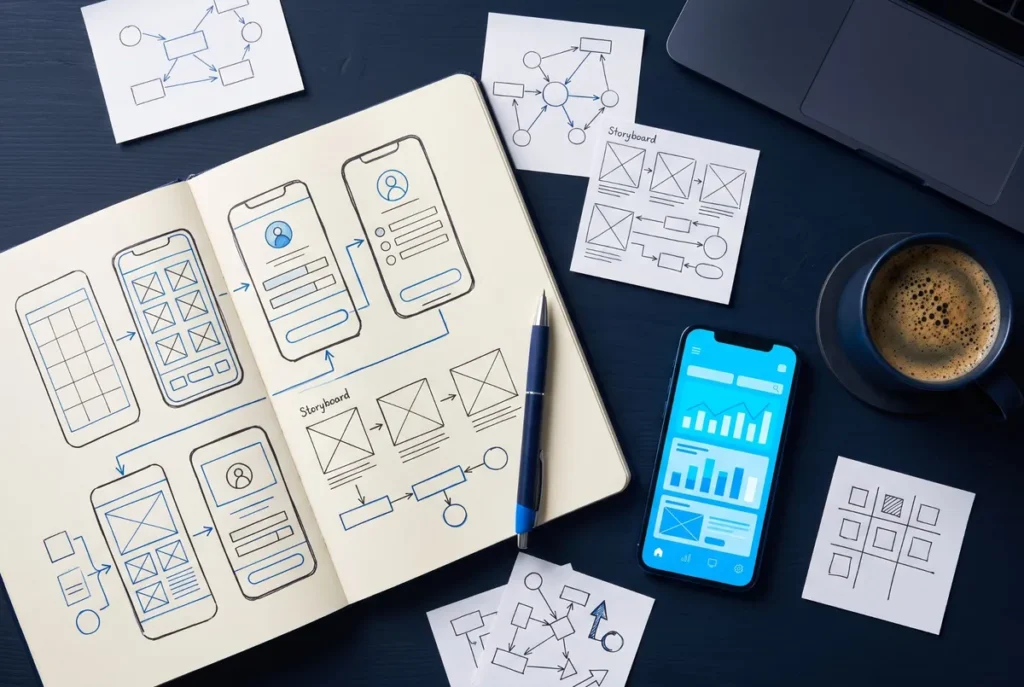
1. The goal of your app
Start with one simple sentence: what problem does your app solve, and for whom? For example: “An app that lets our customers book a table and order ahead in under a minute.” This sentence guides every decision that follows — features, design and budget.
2. Your users
Who will use the app? Customers, staff, students, partners? How old are they, which languages do they speak, and are they comfortable with technology? An app for young online shoppers looks and works very differently from an internal tool for office staff.
3. A list of features — and what comes first
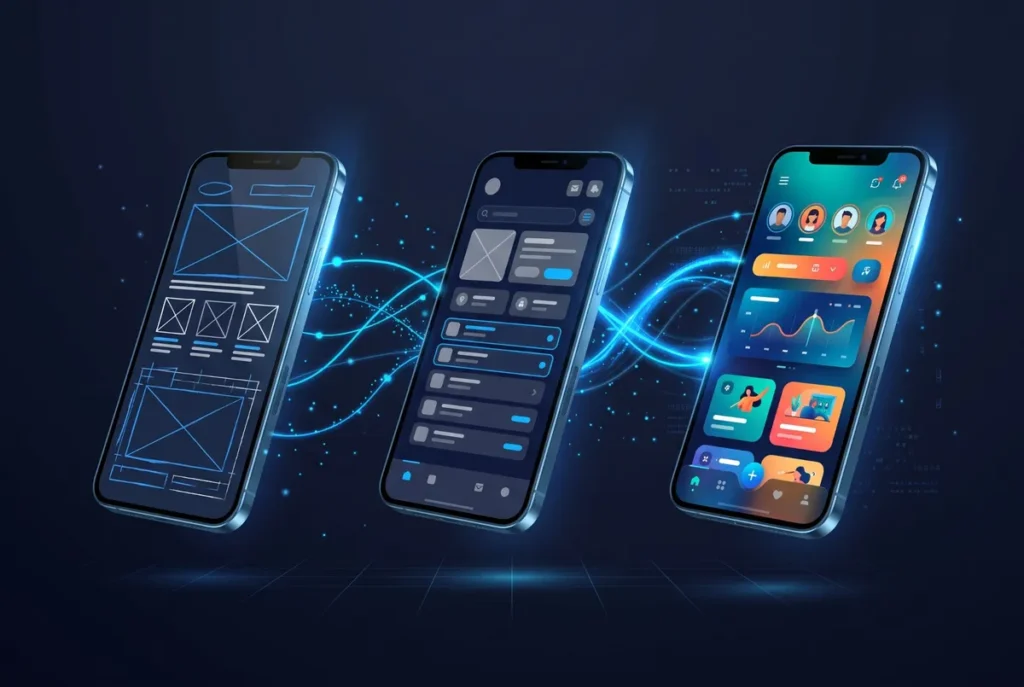
Write down every feature you want, then mark the ones that are truly essential for the first version. This first version is often called an MVP (Minimum Viable Product). Launching a focused MVP lets you get real feedback quickly, and add the “nice to have” features later.
- Do users need to sign up and log in?
- Will there be payments, bookings or a shopping cart?
- Do you need push notifications, maps or a chat?
- Should the app work without internet?
- Do you need an admin panel to manage content, users or orders?
4. Platforms: Android, iOS or both?
Most businesses want both. With a cross-platform framework like Flutter, one codebase runs on Android and iOS, which keeps the cost and timeline under control. If you also want a web version later, mention it from the start.
5. Apps you like
Collect two or three apps you like — or that your competitors use — and note what you like about them: the design, a specific feature, how easy it is to use. Examples are the fastest way to explain your taste to a developer.
6. Your brand and content
- Logo in high quality (ideally SVG or a large PNG)
- Brand colors and fonts, if you have them
- Texts, product information, photos and categories
- A design file (for example in Figma), if a designer has already prepared one
7. Data and integrations
Does the app need to connect to something you already use — a website, an online shop, a CRM or an accounting system? If so, find out whether that system has an API and who can give access to it. If not, the app will need its own backend, for example with Firebase or Supabase.
8. Budget and timeline
Even a rough budget range helps a developer suggest the right scope. Also think about your deadline: is there a launch event, a season or a campaign the app must be ready for? Being open about budget and time leads to realistic plans and fewer surprises.
9. App store accounts
To publish your app under your company name, you will need your own developer accounts: a Google Play Console account (a one-time registration fee) and an Apple Developer Program membership (an annual fee). Creating them in your own name means you always own your app.
10. After launch
An app needs care after it goes live: updates for new Android and iOS versions, bug fixes, and new features based on user feedback. Plan for this from the beginning, and ask your developer how they handle support and maintenance.
Your quick checklist
- ✔ One-sentence goal
- ✔ Target users
- ✔ Feature list with MVP priorities
- ✔ Platforms (Android, iOS, web)
- ✔ Example apps you like
- ✔ Logo, colors and content
- ✔ Systems to connect with
- ✔ Budget range and deadline
- ✔ Plan for app store accounts and maintenance
Not sure yet which approach fits your app? This comparison will help, and my app concepts may give you ideas for your own features.
Don’t worry if you can’t answer every question yet — a good developer will help you shape the idea. Send me a message with what you have so far, and I will help you turn it into a clear plan for your Flutter app.